OPTI
When batch, jobs, and operations become experience
Opti is an innovative banking application designed to extract process information, monitor, analyze, forecast, and generate key indicators that support decision-making and reporting automation. The app stands out for its ability to provide critical information to both operations and senior management, enabling more efficient and secure management of batch processes — extremely sensitive information for the systems area.
Client
OPTI
Role
UX Lead
Time
6 months
Stakeholders
Data Center Services Management
Executive view
The case at a glance
As UX Lead, over 6 months I designed the first mobile version of Opti for Data Center Services management: from a Windows client in Visual Basic to a portable MVP to monitor batch, jobs, and alerts, with branding, UI kit, and secure login.
Role
UX Lead
First mobile version of Opti.
Time
6 months
With the Data Center Services management team.
Entrega
MVP mobile
Comercializable y escalable.
01 — Context
Primary users
Opti is a banking application for extracting process information, monitoring, analyzing, forecasting, and generating indicators that support decision-making and reporting automation. It provides critical information to operations and senior management about batch processes that are sensitive for systems.
The original version was developed for Windows with Visual Basic. With technological evolution and the need for mobile access, the same functionality and security had to be maintained on portable devices.
Before this version, the market had no app that offered a comprehensive view of batch processes in an accessible format. That gap was the opportunity: critical information, anytime and anywhere.
The primary users are batch-process managers, data services centers, and other technical profiles.
The challenge
Challenges and objectives
The main objective was to develop the first mobile version of Opti, business-oriented and under the concept of a Minimum Viable Product that was marketable and scalable. Specific objectives included:
01
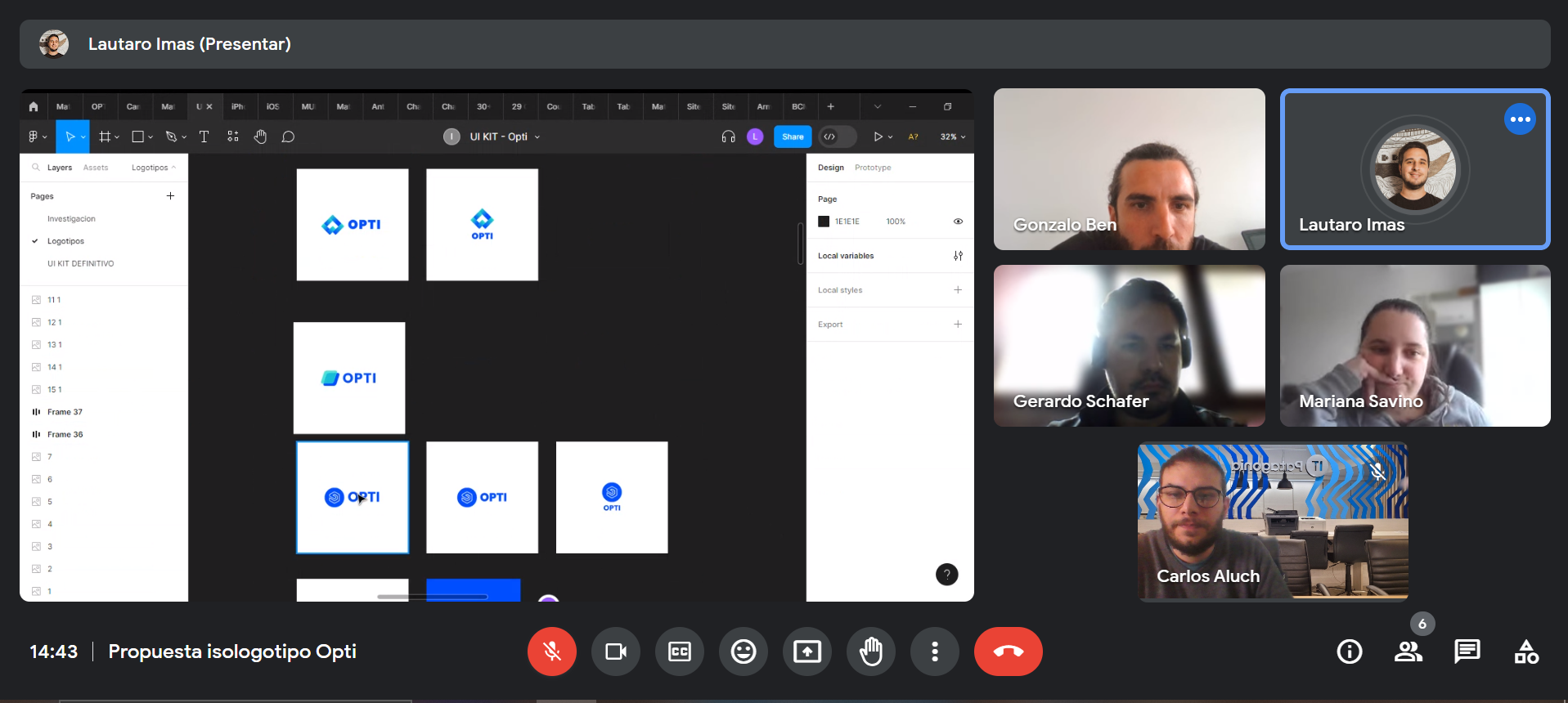
Product branding
Identity of the mobile app.
02
UI KIT
Design of the interface system.
03
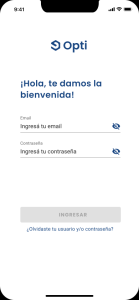
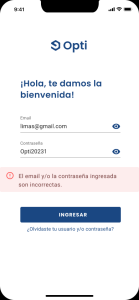
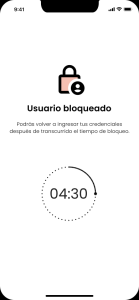
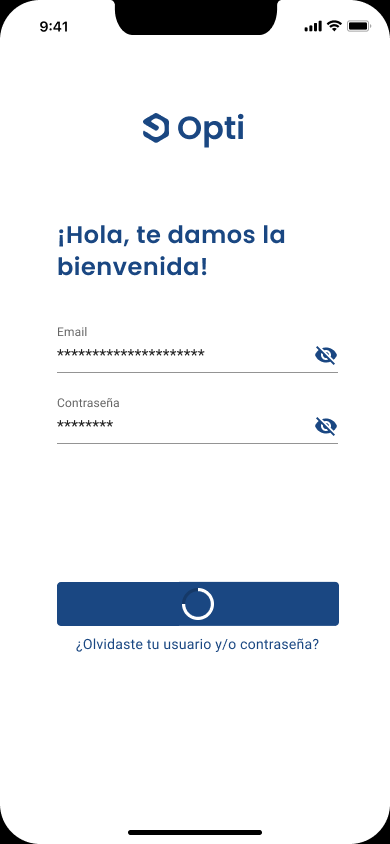
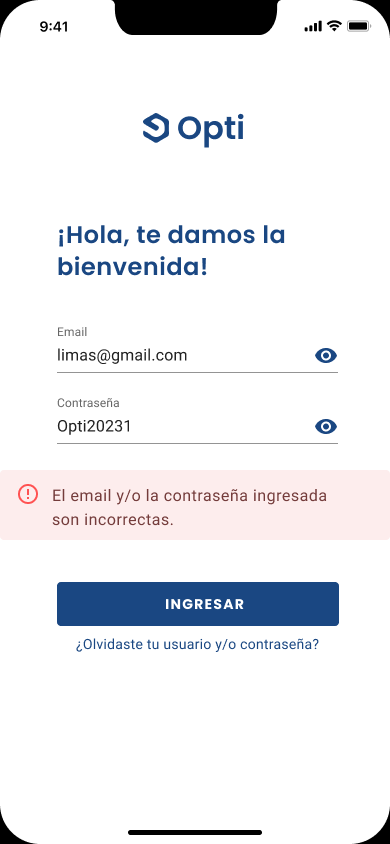
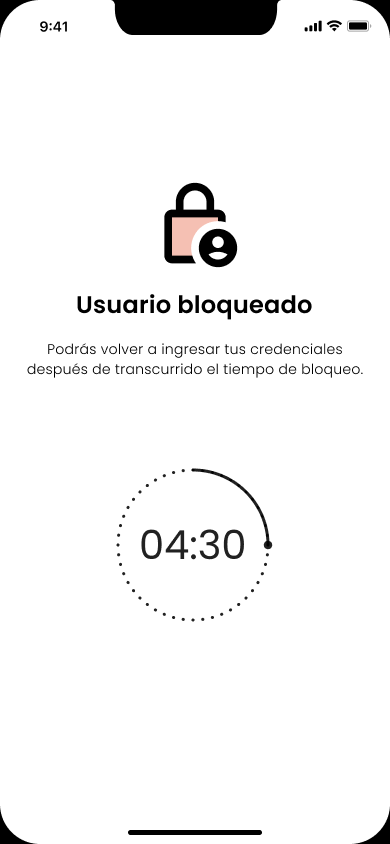
Login seguro
Implementation of a secure access system.
04
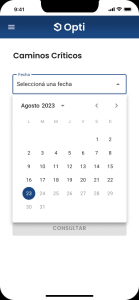
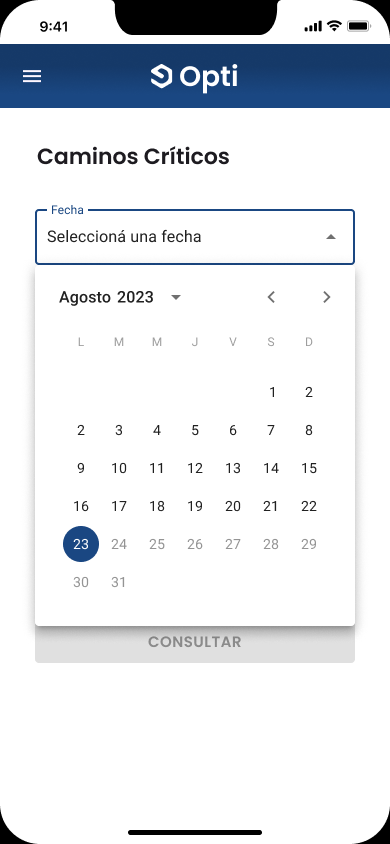
Fechas relevantes
Consultation of key dates in the process.
05
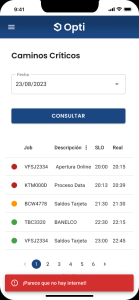
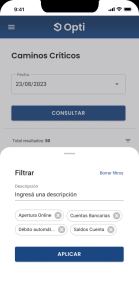
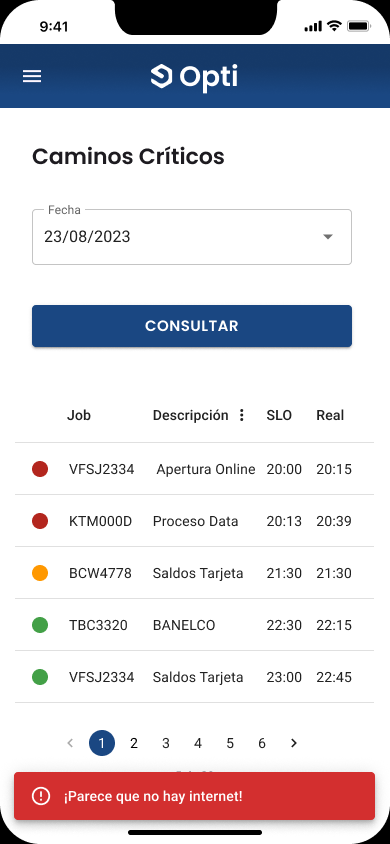
Critical paths
Visualization of critical paths.
06
Datos y alertas
List of data and alerts.
07
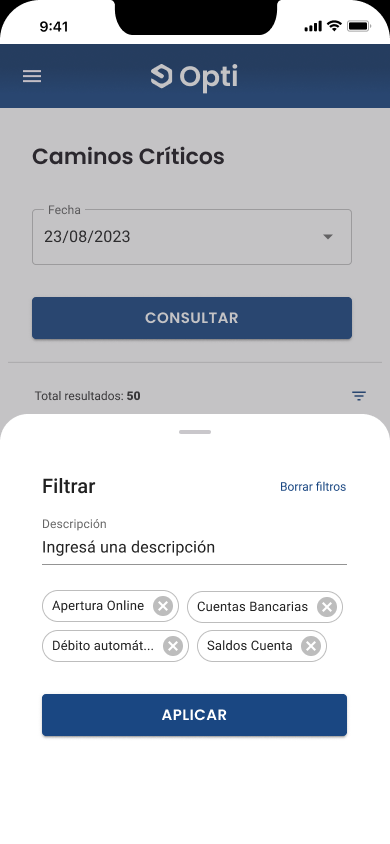
Filtros
Filtros avanzados.
08
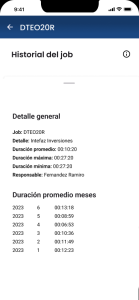
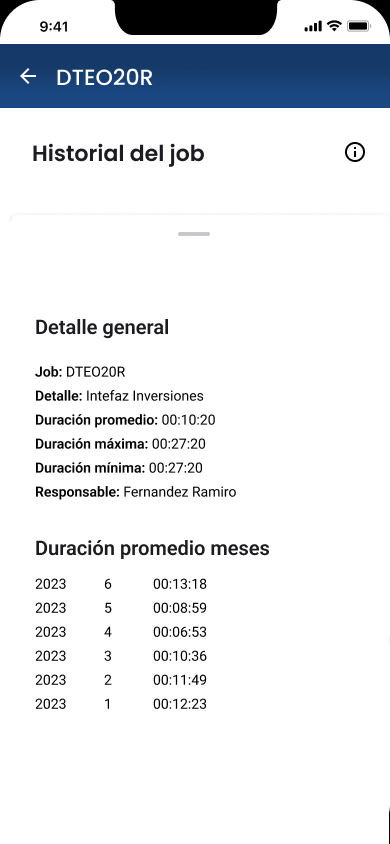
Jobs
Job visualization charts (jobs).
02 — Process
Understanding the existing tool
To start the project, the backlog was prioritized according to the most critical, highest-impact needs for end users. A kickoff was held with all stakeholders to align expectations and a clear roadmap.
Defining the users
Development was structured in several phases. Discovery: interviews and field research to map the idea, preliminary analysis, functional documentation, and user flow. The tasks were:
01
Entrevistas
Research with operations and management.
02
Mapeo
Overall mapping of the solution.
03
Documentation
Preliminary analysis and functional documentation.
04
UI KIT
Development of the interface system.
05
Requirement
Requirement specification.
06
Prototipo
Prototype design and demos.
07
Validation
Validation and adjustments.
08
Guide
Development, testing, adjustments, and a quick guide for Opti Mobile.
03 — Product
Opti Mobile
The quick induction guide closed the handoff for those who operate the tool.
View quick onboarding guide
A promotional video I put together to present the product demo, and the close of phase 1.

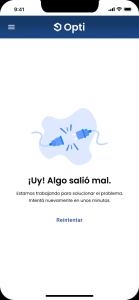
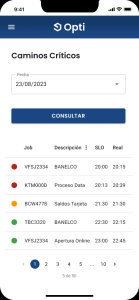
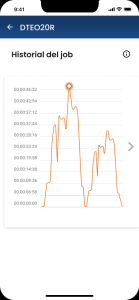
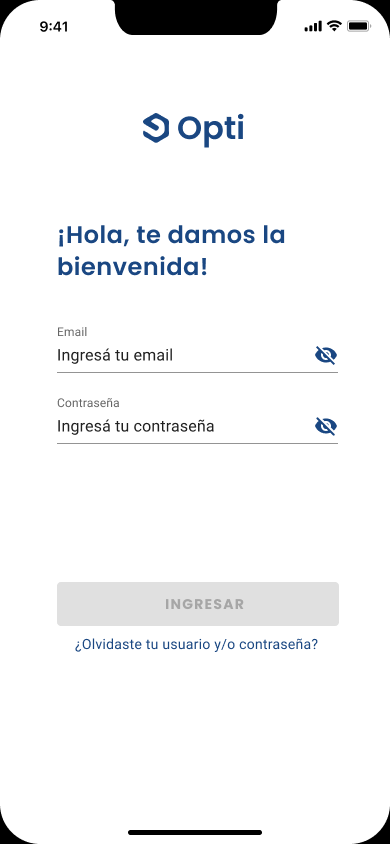
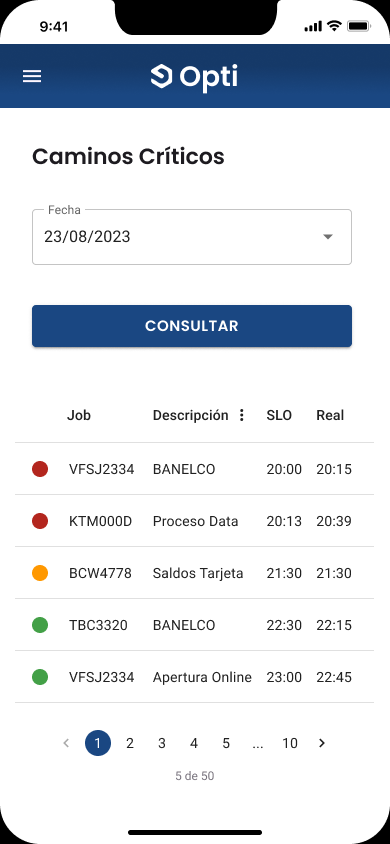
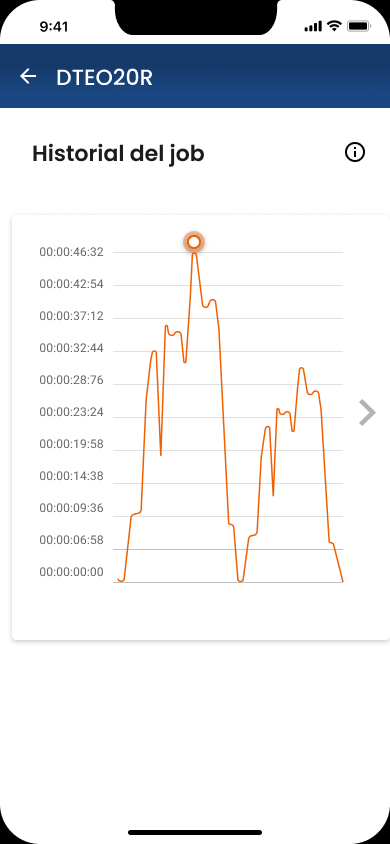
Validation
User testing
Exhaustive tests were carried out with end users to validate every feature developed. These tests provided direct feedback and made it possible to make the necessary adjustments to improve the application’s usability and efficiency. Continuous validation was crucial to ensure the solution met users’ real expectations and needs.
04 — Outcomes
Conclusion
Developing Opti has been a meticulous process that involved close collaboration with the client and exhaustive testing with end users. We created a solution that not only meets the client’s expectations, but also delivers an exceptional user experience. Integrating advanced technology improved operators’ quality of work and quality of life, enabling more efficient and safer management of critical processes.
Learnings
Lessons learned:
01
Product Owner
Having a PO made it possible to understand user needs in depth and better align the project’s objectives.
02
Flexibility
Product flexibility and scalability are essential to adapting to future requirements. In Opti we were able to scale the tool to current technologies.
03
Technical concepts
Learning highly technical and procedural concepts, essential for people who operate financial or banking processes, was of great value for all of us.
Other cases
CECABA Digital Signature System
CECABA Digital Signature System

Design Ops — Full initiative
Design Ops — Full initiative
Cannect Mobile
Cannect Mobile
Cannect
Cannect
RUBI – GCBA
RUBI – GCBA
ICBC YOY UX Design Ops
ICBC YOY UX Design Ops

ICBC Auto Pledge Loans
ICBC Auto Pledge Loans

Traza