Cannect
The reengineering of an entire tool
Cannect is an intelligent biotechnology tool applied to cannabis cultivation, enabling real-time traceability and management of every variable in the indoor cannabis production chain. It offers monitoring of temperature, luminosity, humidity, and more, through high-precision sensors and a modular, scalable system.
Client
Cannect
Role
UX Lead
Time
12 months — Present
Stakeholders
Cannect clients, Product
Executive view
The case at a glance
As UX Lead, over 12 months I led the reengineering of Cannect: from an obsolete, slow, hard-to-use web system to an end-to-end traceable product for indoor cultivation. The first milestone was closing the MVP with the team and the client.
Role
UX Lead
Reengineering the web experience.
Time
12 months
Project still in progress at the time of this case.
Entrega
MVP
Closing the first MVP with the team.
01 — Context
Primary users
Cannect’s primary users are cannabis producers seeking to improve crop efficiency and quality through advanced real-time monitoring and control technology, enabling end-to-end traceability of the cannabis crop and, ultimately, a higher-quality product.
The challenge
Challenges and objectives
The challenge was simple yet highly complex: redesign the full experience because, in its first phase, the product did not adequately meet users’ basic needs.
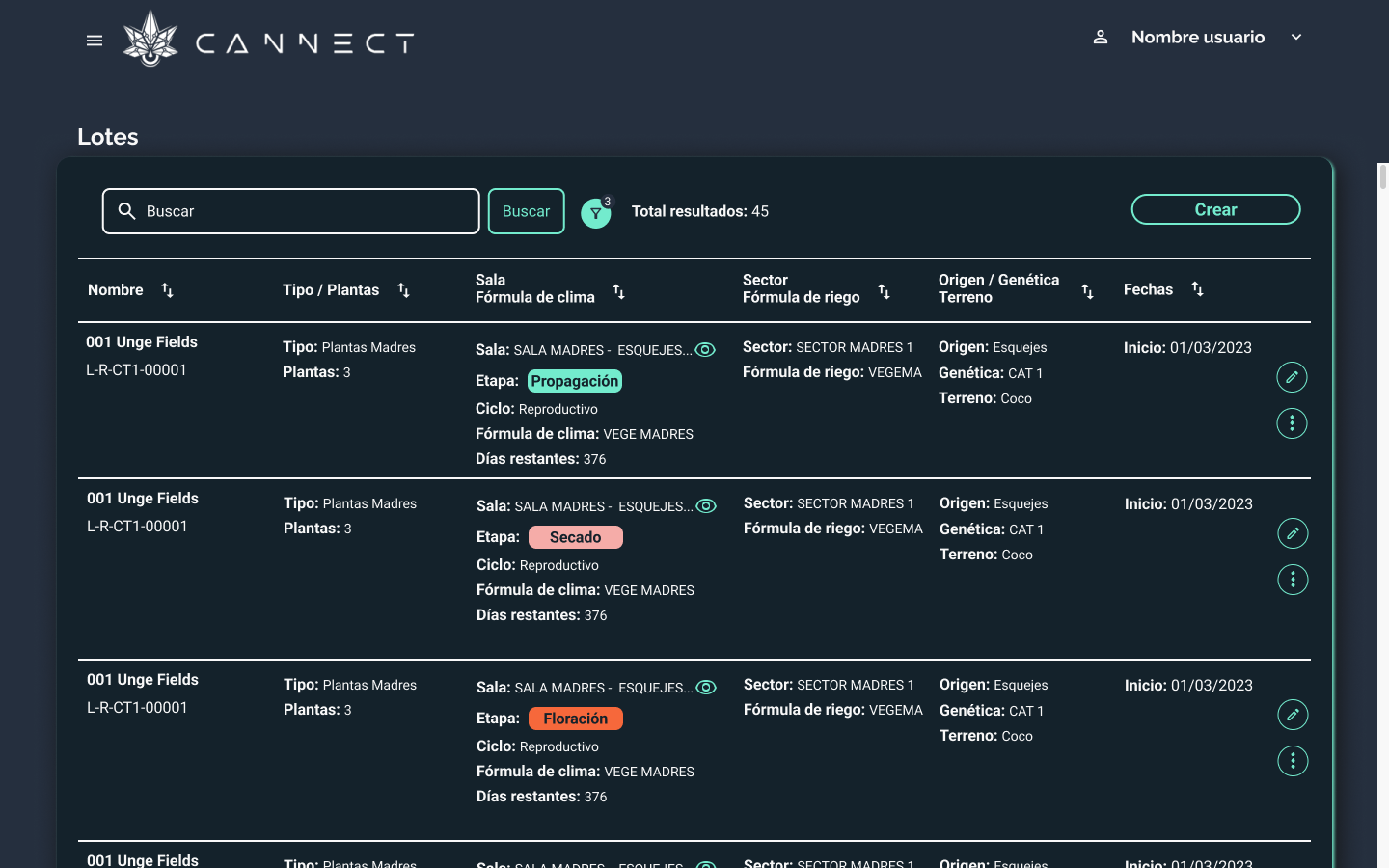
This promotional video shows what the system was like before our intervention.
Understanding the pain points
The pain points at Cannect could be counted on more than two hands.
01
Flujos
Flows that were inconsistent or lacked a purpose.
02
Componentes
Lack of component standardization across the application, producing a mismatched interface that looked completely different on every screen.
03
Heuristics
Missing heuristics across different use cases, where the user needed an escape, system feedback, a call to action, and other basic, non-negotiable parameters.
04
Performance
Slow loading processes, so that every screen took around one to two minutes to load its data.
05
Responsive
The web application was not responsive: it broke when the screen resolution went below or above 1280px.
06
Idioma
Language inconsistencies between login and some sections, which made an end-to-end, fluid experience impossible.
07
Documentation
Without prior documentation that would make it possible to understand the different features, how they were built, and how they were integrated into the system.
08
Arquitectura
The web application did not have a clear, simple structure or information architecture that would let users move through the entire system in a few clicks. The technology stack was obsolete given the volume of data, with performance and throughput bugs.
02 — Process
Antidote: redesigning the entire experience
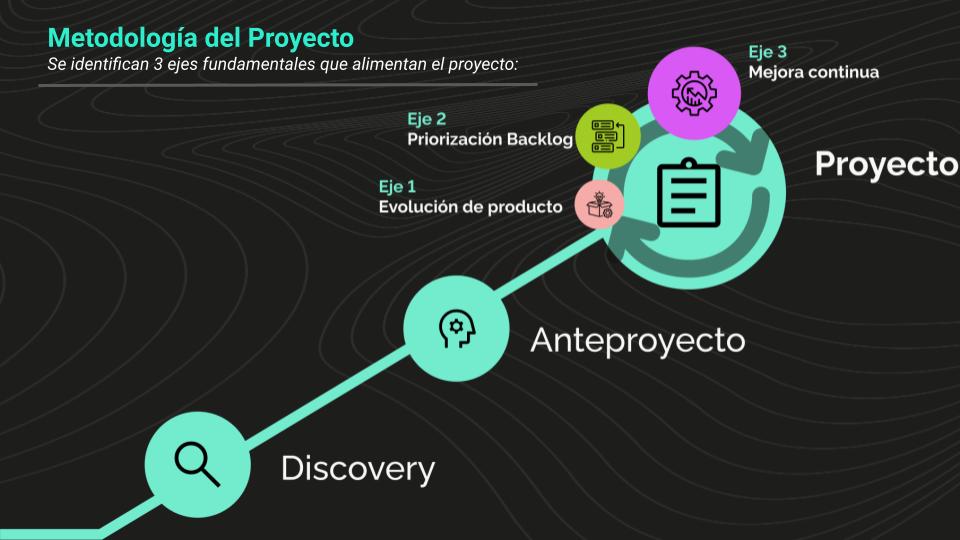
With a large number of pain points across the entire application, every leader’s vision for this project was clear: we needed a full reengineering and UX redesign of the app. We took on the challenge.
Mapping all pain points
To tackle the project, we got to work as a team. First, we thoroughly identified and analyzed every pain point users had experienced while using the service. That analysis gave us a deep understanding of users’ difficulties and frustrations, providing a solid foundation for our improvements.
We also ran a detailed review to detect visual and functional inconsistencies in the current service. Those inconsistencies, ranging from minor design issues to critical functional failures, were catalogued and prioritized.
With that information in hand, we set a clear action plan focused on addressing these pain points and inconsistencies.
Priorizando funcionalidades
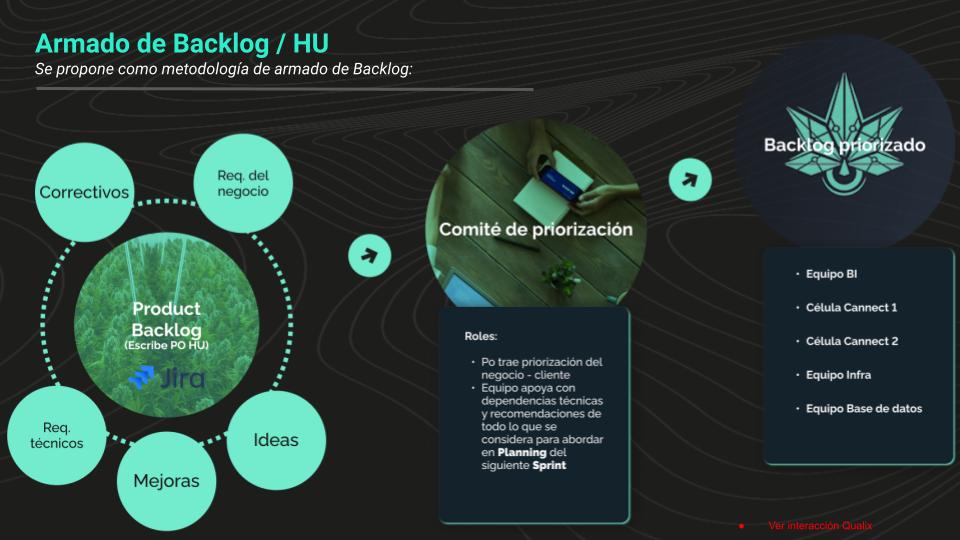
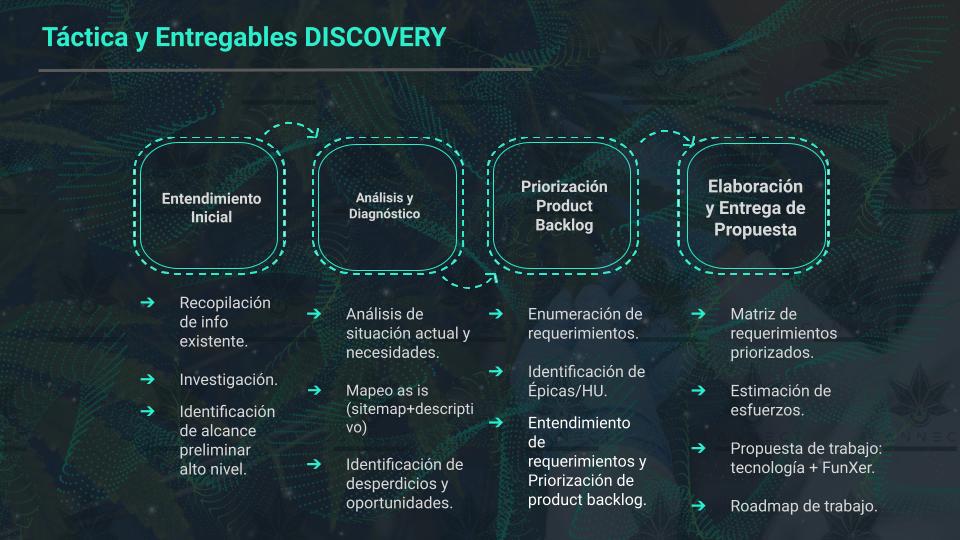
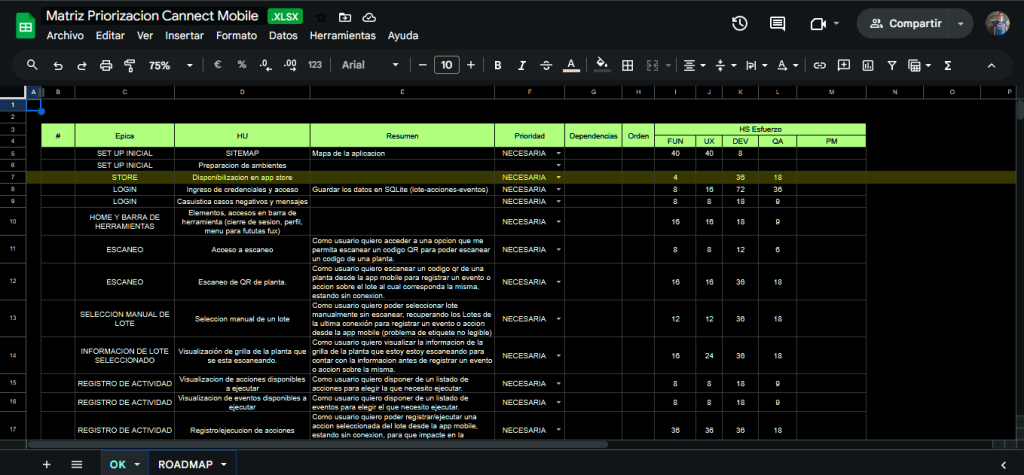
We started the project by working collaboratively with all leaders to prioritize the features that would make up the Minimum Viable Product (MVP). This phase was crucial to ensure every stakeholder was aligned and focused on the most important, highest-impact features for the end user.
During the prioritization sessions, we discussed and evaluated each proposed feature, considering factors such as relevance to the user, technical complexity, and added value to the product.
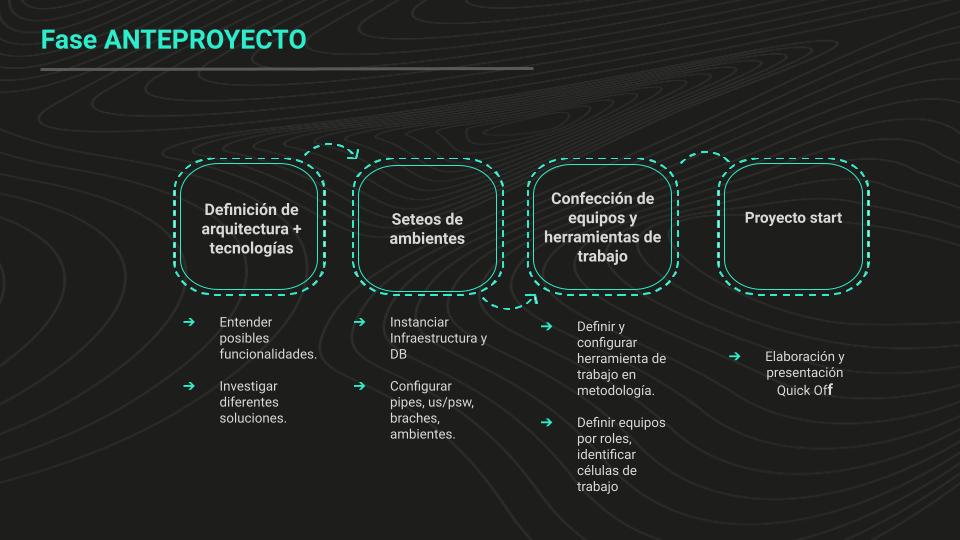
Once we established priorities, we proceeded to define the project kickoff and the first steps to follow: a detailed plan with initial tasks, timelines and responsibilities, and clear communication channels.
Defining the system architecture
The sitemap as the first artifact
We kicked off the project by setting optimization of the website structure as the first step. To achieve this, we created an essential artifact: the sitemap.
The sitemap allowed us to visualize and organize every section and page of the site in a coherent, logical way. Through that map, we identified the areas that needed restructuring and the connections between different parts of the site, making sure navigation was intuitive and efficient for users.
How we worked
The process combined empathy, definition, ideation, and validation, with the user at the center.
01
Empathy
We started with discovery workshops, where we brought all stakeholders together to capture their needs, wants, and pain points in a comprehensive way.
02
Definition
We analyzed the information we had gathered in order to structure it into userflows, which let us visualize and organize the user experience clearly and logically. In parallel, we benchmarked the requests.
03
Ideation
Based on the insights we obtained, we began generating and developing detailed prototypes. These prototypes served as tangible representations of our ideas.
04
Validation
We ran user tests whenever possible to get direct feedback and iterate. This stage was essential to make sure the prototypes met the project’s goals.
Implementation
With the prototypes validated and refined, we moved into implementation. The product was developed and prepared for launch, ensuring every validated piece made it to production.
Working with order
Working with order, a purpose that is not negotiated, in this project too
(In case you have not read this line in my portfolio before, visit the RUBI case study.) Just as in previous projects, the file organization was simple:
01
Artefactos y prototipado
Everything generated from ideation and prototyping in each sprint had to go into sprint files, with a cover, an index, and user stories.
02
Prototype master
Once validated, they were placed in a central Master file, accessible to everyone on the project.
03
UI KIT
If components were iterated, they were documented in the kit. In this project the design system was already built by the client.
03 — Product
Closing the first MVP
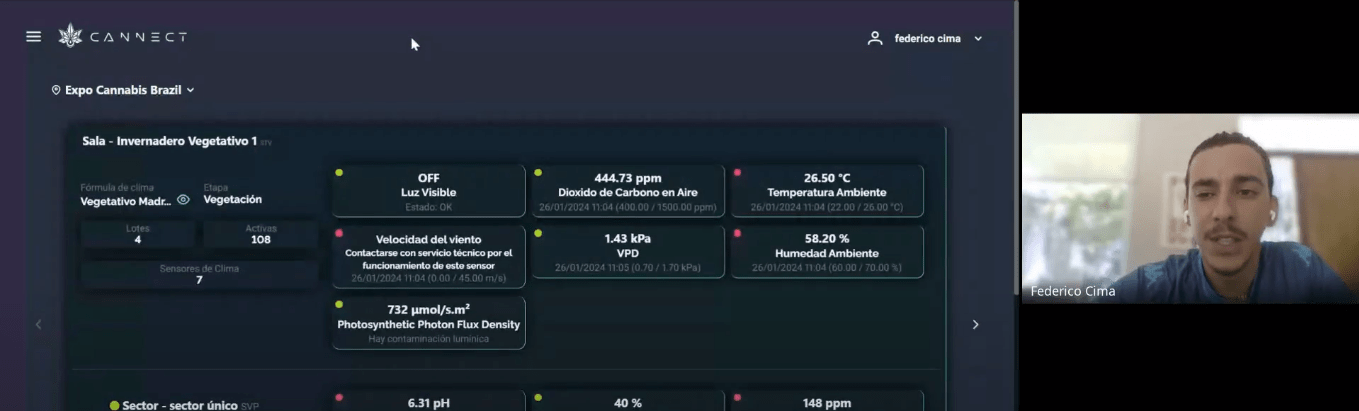
Finally, after an arduous and meticulous teamwork process—with numerous discussion and analysis sessions—we completed the first stage of Cannect. This journey involved deep learning and understanding of the industry we operate in, as well as an exhaustive study of the principles that govern how the facilities involved in our project work.
Every team member contributed their experience and knowledge to understand how these plants could be traced and coordinated effectively, with the goal of delivering a final product of the highest quality. We ran multiple feature validations and detailed reviews to make sure every aspect of the project met the expected standards.
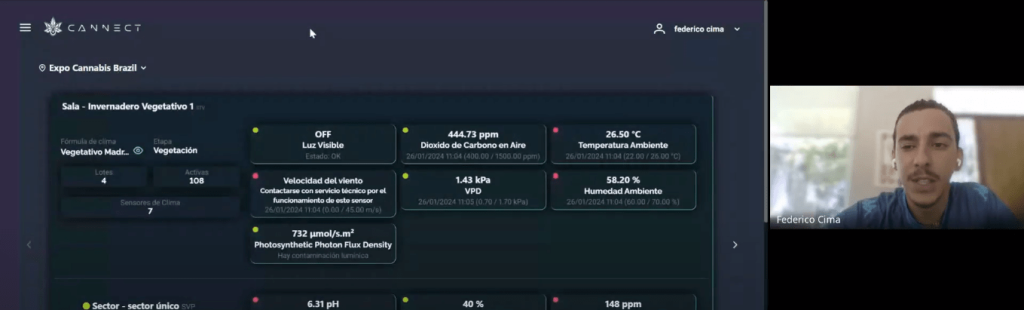
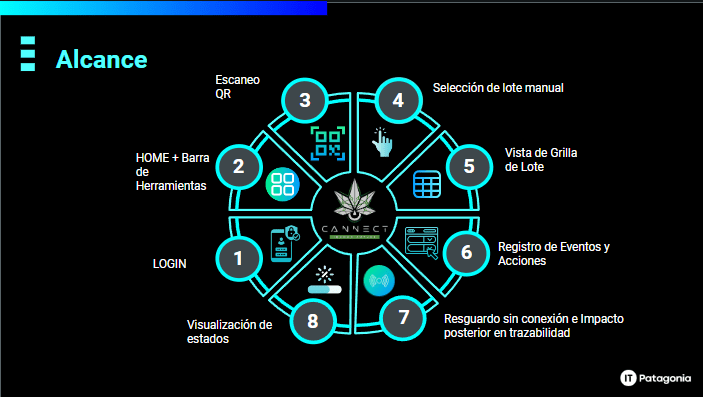
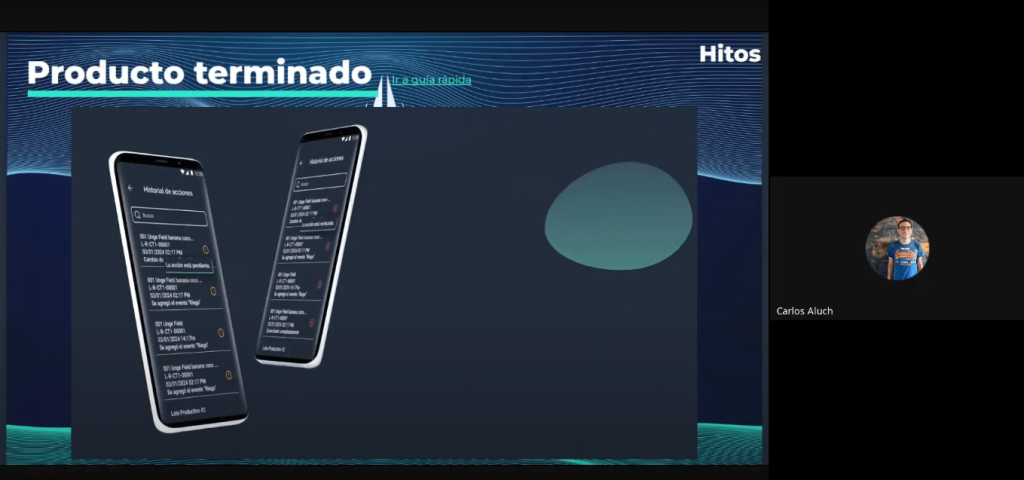
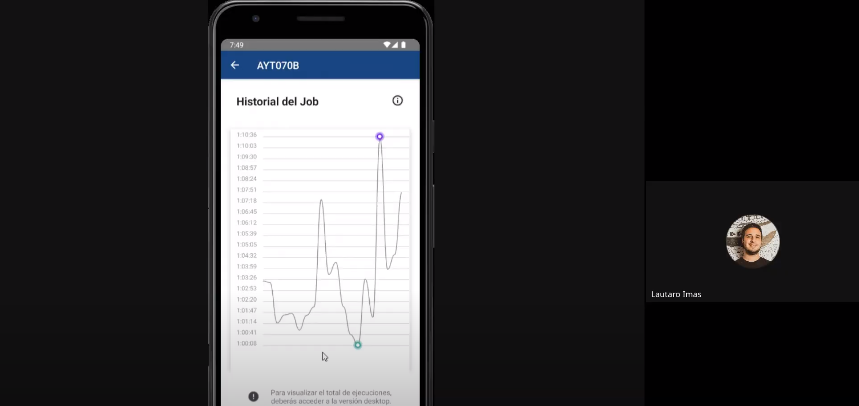
This first milestone not only marks the end of a crucial phase, but also the beginning of new stages that will let us move toward the full implementation of Cannect. Demo presentation with the client.
04 — Outcomes
Conclusion
Building the tool for Cannect was a challenging yet highly rewarding journey, marked by close collaboration with the client and rigorous testing with end users. Through this process, we designed a solution that not only meets the client’s needs but also significantly improves users’ day-to-day experience.
Bringing in technology to improve both the quality of work and the operators’ lives was a challenge we took on with a great deal of responsibility and empathy.
In short, this project has been an enriching experience that broadened our understanding of the different applications of technology and their impact on working life.
Learnings
Lessons learned:
01
Effective communication
Clear, effective communication among all team members, as well as with the client and end users, is crucial to the project’s success. Establishing open, frequent channels helps resolve problems quickly and align expectations.
02
Time management
Setting realistic schedules, monitoring progress, and prioritizing tasks enables the team to hit milestones. Planning and efficient resource allocation minimize delays.
03
Stakeholders
Involving every stakeholder from the earliest stages ensures their perspectives and expectations are taken into account. Early participation makes it easier to identify problems before they become obstacles.
04
Riesgos
Identifying and assessing risks from the start enables mitigation strategies. Assessment must be continuous, with contingency plans to keep the project on track.
Other cases
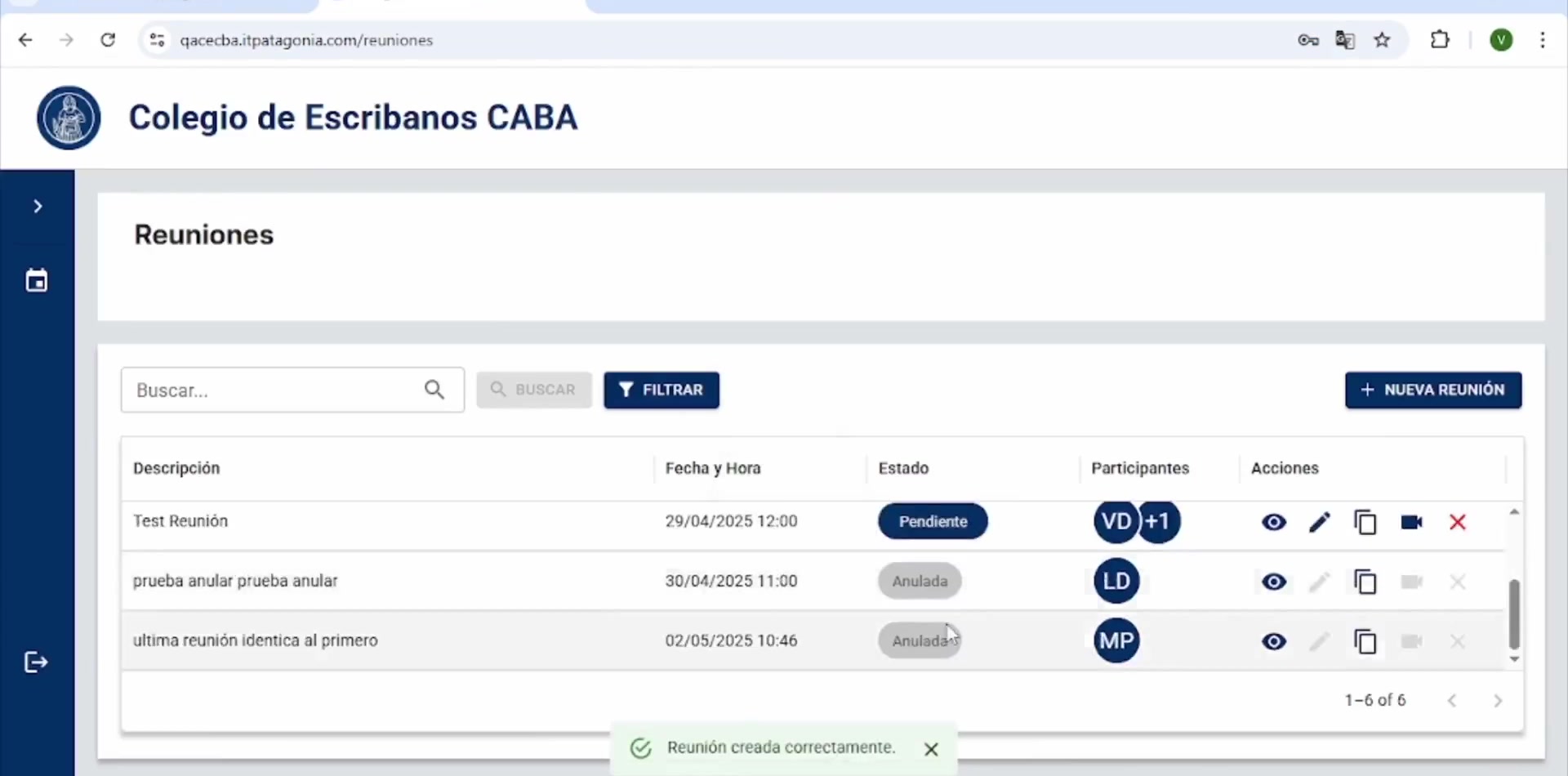
CECABA Digital Signature System
CECABA Digital Signature System

Design Ops — Full initiative
Design Ops — Full initiative
OPTI
OPTI
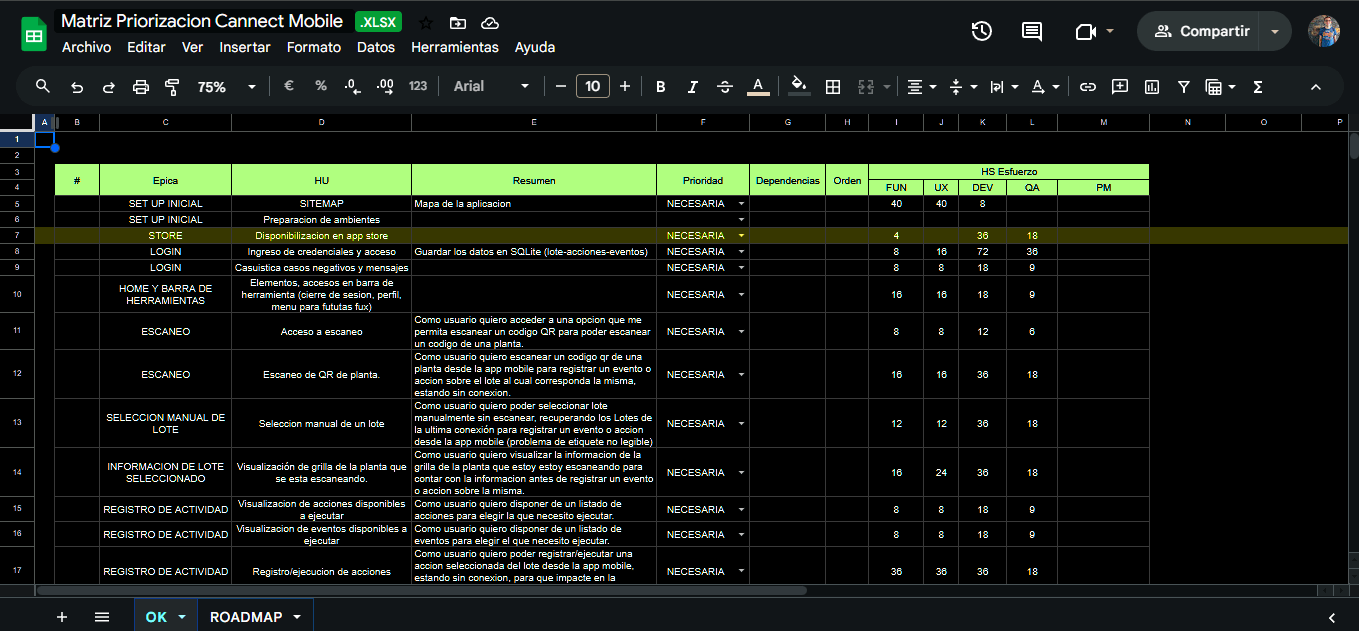
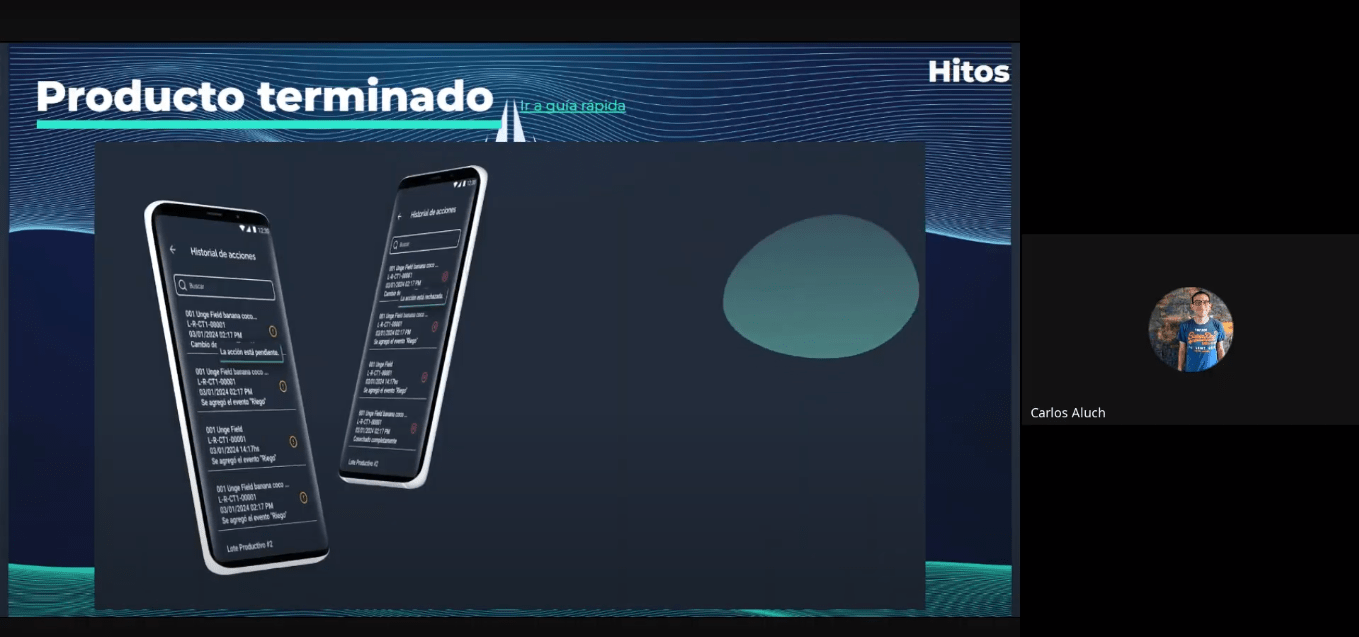
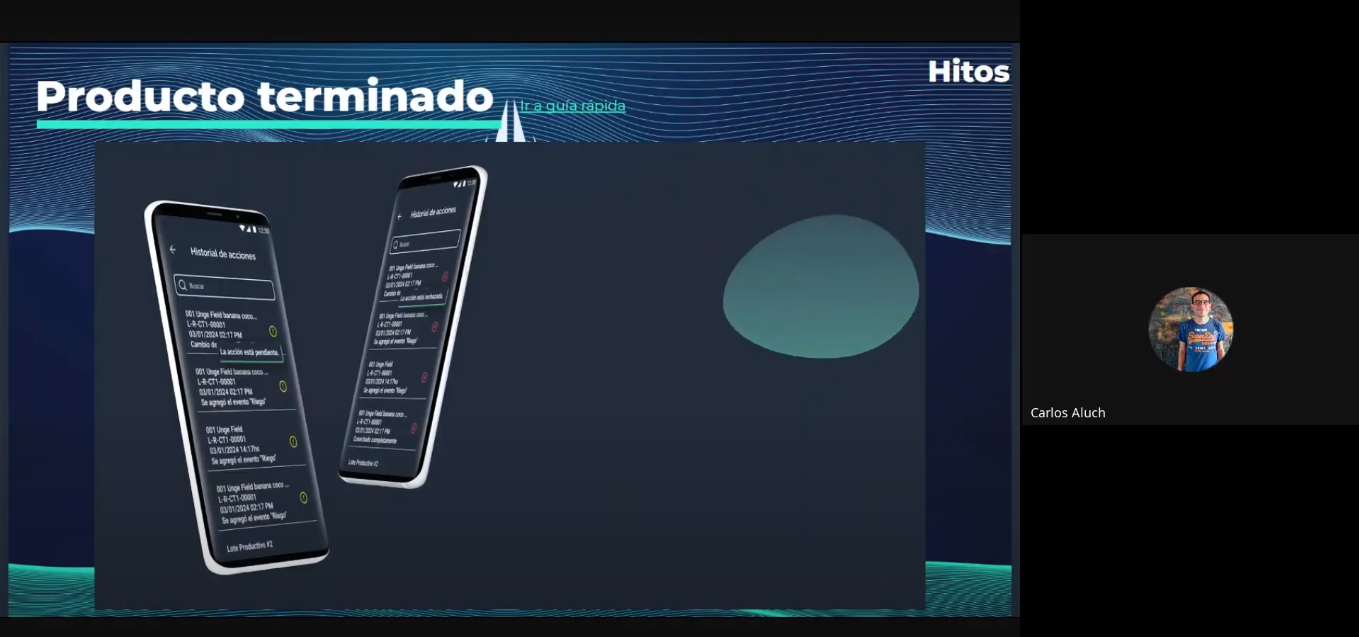
Cannect Mobile
Cannect Mobile
RUBI – GCBA
RUBI – GCBA
ICBC YOY UX Design Ops
ICBC YOY UX Design Ops

ICBC Auto Pledge Loans
ICBC Auto Pledge Loans

Traza