Cannect Mobile
The app as a complement to the web experience
Cannect is an intelligent biotechnology tool applied to cannabis cultivation, enabling real-time traceability and management of every variable in the indoor cannabis production chain. It offers monitoring of temperature, luminosity, humidity, and more, through high-precision sensors and a modular, scalable system.
Client
Cannect
Role
Product Manager – UX Lead
Time
6 months
Stakeholders
Cannect clients, Product
Executive view
The case at a glance
As Product Manager and UX Lead, over 6 months I designed Cannect Mobile as a companion to the web: map data in the field, offline, and avoid the double task of paper plus digitization. The product was born from a plantation field study and closed with a demo, video, and user testing.
Role
PM + UX Lead
App as a complement to the web.
Time
6 months
Product design and follow-through.
Foco
Less friction
Avoid duplicate work between web and mobile.
01 — Context
Primary users
Cannect’s primary users are cannabis producers seeking to improve crop efficiency and quality through advanced real-time monitoring and control technology, enabling end-to-end traceability of the cannabis crop and, ultimately, a higher-quality product.
The challenge
Challenges and objectives
Throughout this company’s history, one of the greatest challenges users faced was the lack of mobile data or Wi-Fi signal on large plantations. For field collectors, gathering data from lots identified by an ID and then taking it to the office for transfer was a major inconvenience. The challenge was to let users map all data in the field, directly in the tool, without depending on a connection.
One shared, duplicated task
Making the user do the same task twice is always a major pain
In developing Cannect Mobile, one of the most important challenges we faced was the lack of mobile data or Wi-Fi signal on large plantations, often spread across vast hectares. Users—especially field data collectors—faced a double task: first, they had to gather data in the field by writing it on paper, then manually transfer that information to a computer in the office. This process was not only inefficient; it also increased the risk of errors and created a negative user experience.
Problema identificado
The double task of writing on paper and then digitizing the information was a major hassle for field collectors. This method not only consumed valuable time but also contributed to transcription errors and delays in updating information.
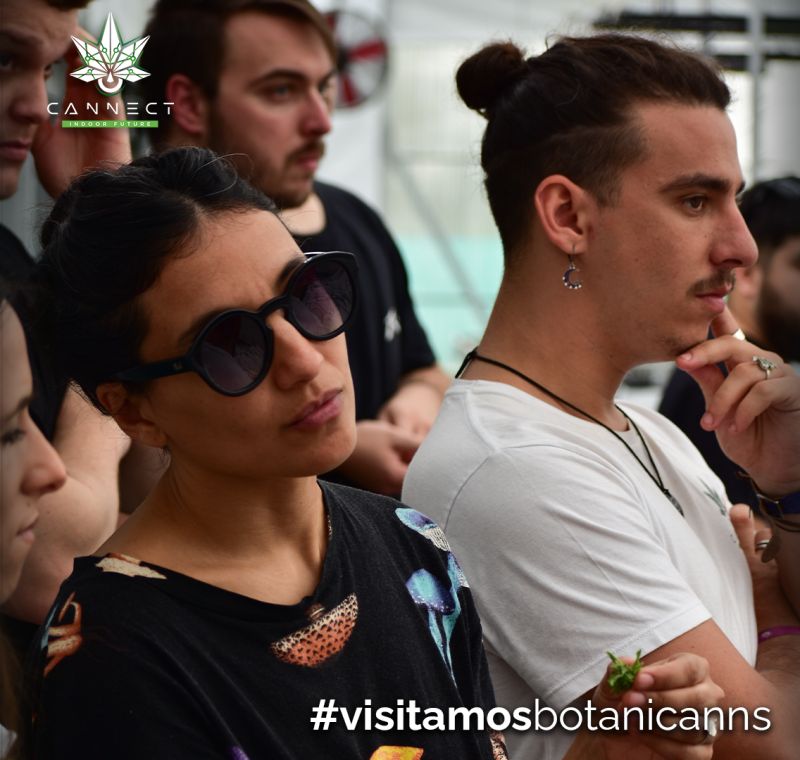
Nothing beats a field study to see the need first-hand. We proposed meeting with the entire Cannect team together with the client. We ran an extensive one-day session in which we mapped the full cultivation process, reviewing every detail of the flow. That not only let us confirm what earlier tests had already shown about this major need, but also gave us a chance to resolve other questions and iterations for Cannect Web.
Proposed solution
Let’s move forward with the idea!
After gathering all that valuable information, the situation was clear: we needed to create a mobile and tablet app that would let users collect data on site, store it offline, and finally sync it with the product database once they had internet access. As a team we took the initiative to propose this product to the client—and we were surprised by their response: “Let’s move forward with the idea.”
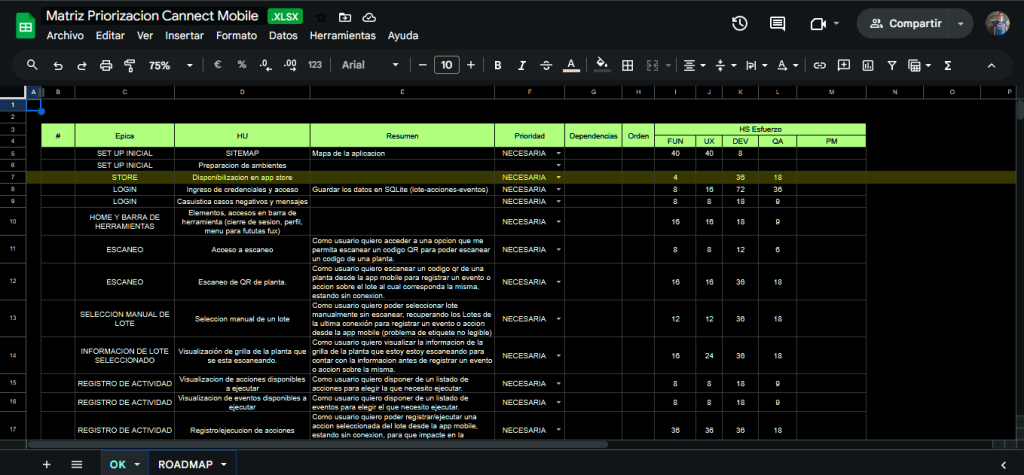
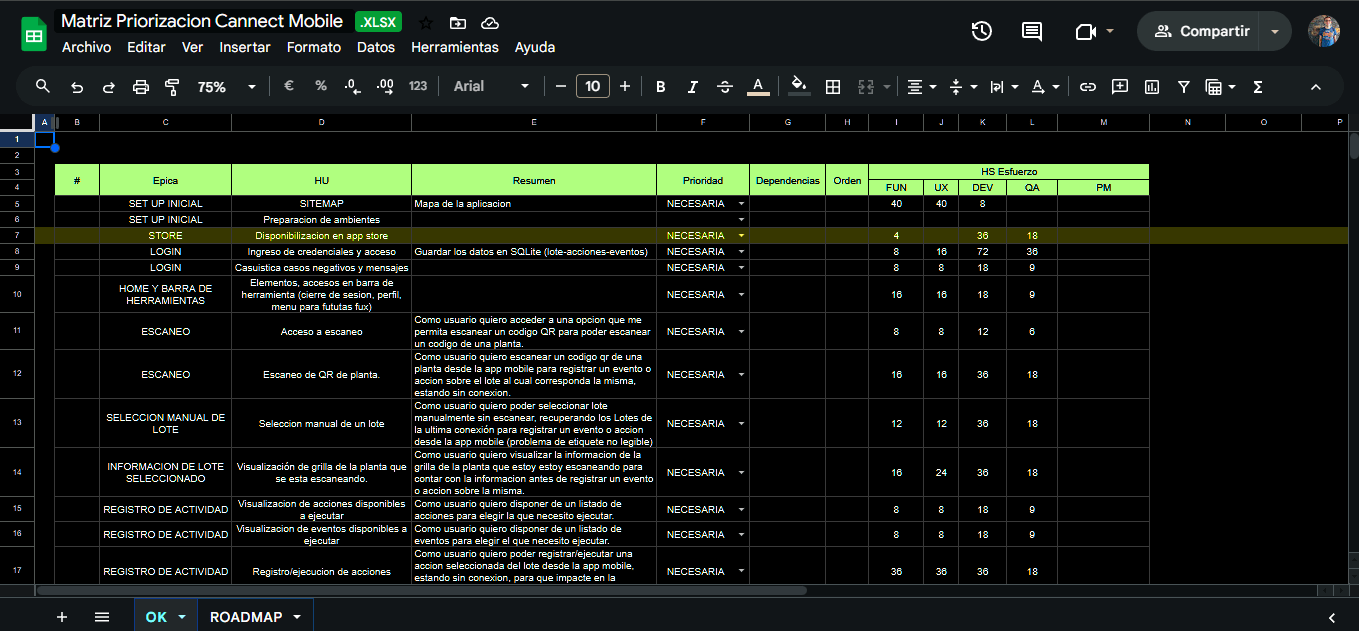
Backlog prioritization and MVP definition based on available budget. We built a prioritization matrix to identify the key features of the minimum viable product.
View prioritization matrix
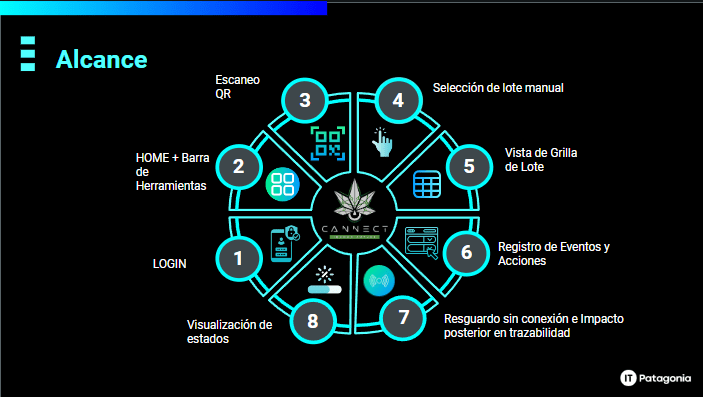
We concluded that the product needed to include the following features:
01
Inicio
An intuitive entry point that provides access to the main features.
02
Perfil
Personal information management and user settings.
03
Escaneo QR
Capture and process QR codes to collect data and integrate it into the system.
04
Mapeo en campo
Basic mapping and data-management actions, efficiently and directly, even offline.
02 — Process
Dos responsabilidades importantes
Due to organizational circumstances I will not detail in this case study, there was a need for someone who could take initiative and lead the project from start to finish. I saw an excellent opportunity to build new skills and take on a significant challenge in my career.
Although in my previous experience I had led some squads, I had never managed a complete project. I accepted the challenge with enthusiasm and determination.
Project tracking
I am a very observant person, and I am fascinated by how nature—in its most organic and wonderful form—can offer valuable lessons. A foundational example for me is how a tree grows: if a seed falls on ground that is not properly prepared, its growth will be limited; if the environment is optimal and the parameters are monitored, growth will succeed.
This concept is fundamental to how I manage projects. To ensure success, it is crucial to identify every key point and centralize it in one place so progress is easier to track. With that idea in mind, I set out to create a tool that would let me manage these aspects and report progress: sprint requirements, roadmap, epics, bugs with severity, and time spent versus time remaining.
Way of working
Our work process began with an information-gathering phase through discovery workshops. In those sessions we involved all stakeholders to make sure we captured every need and requirement for the project.
Once the information was gathered, we processed it as userflows. In parallel, we optimized time by benchmarking the requests, comparing our ideas with existing solutions in the market.
With all of this information in hand, we proceeded to validate the ideas. If we obtained the necessary approval, we moved on to detailed prototypes. Then a final validation; with a green light, the solution went to development. Whenever possible, we ran mini tests with users.
01
Workshops
Information gathering with all stakeholders.
02
Userflows y benchmark
Structure the experience and benchmark it against the market.
03
Prototipos
Visualize and adjust design and functionality before implementation.
04
Validation
Mini user tests and handoff to development.
Trabajar ordenados
Working in an orderly way, priority number one, in this project too
(In case you have not read this line in my portfolio before, visit the RUBI case study.) Working in an organized way with a clear artifact structure is fundamental for me. Although in each designer’s different workspaces I leave room for creativity, I believe having a well-defined structure has been key.
01
Sprint files
Everything generated from ideation and prototyping in each sprint had to go into files named SP_01, SP_02, SP_03. Each file: a cover, an index with user stories, and each story laid out across Figma pages.
02
Prototype master
Once validated, they were placed in a central Master file, accessible to everyone on the project, with a cover, an index, and all of the flows.
03
UI KIT
If a UI KIT was needed from scratch, the file was created with nomenclature and documentation. On this project the design system had already been built by the client.
03 — Product
Conclusion and presentation of Cannect Mobile
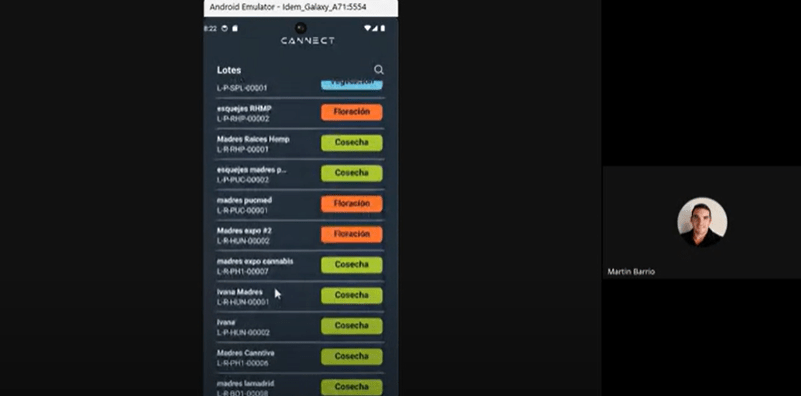
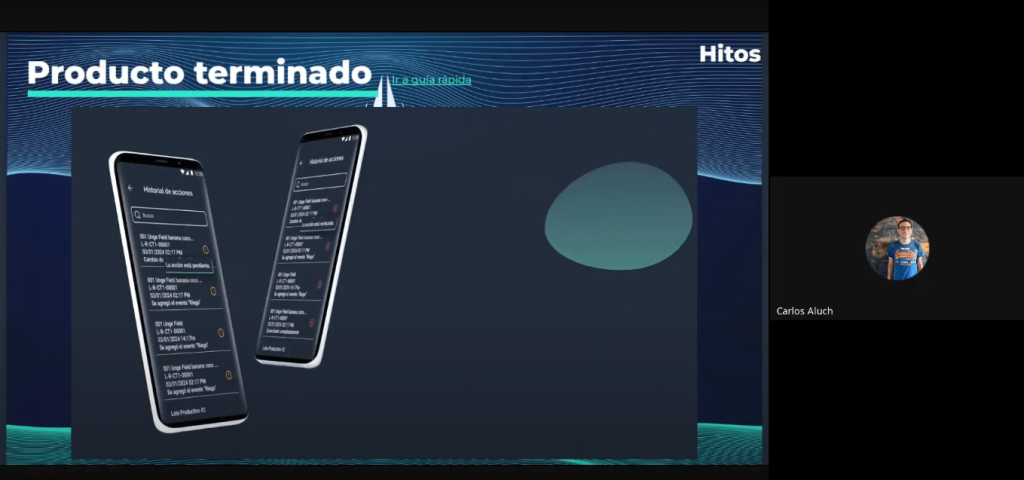
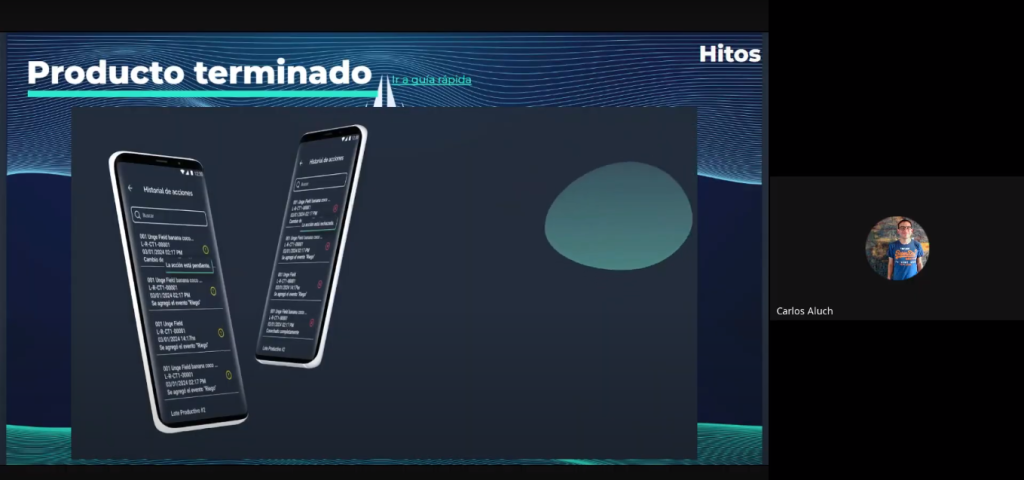
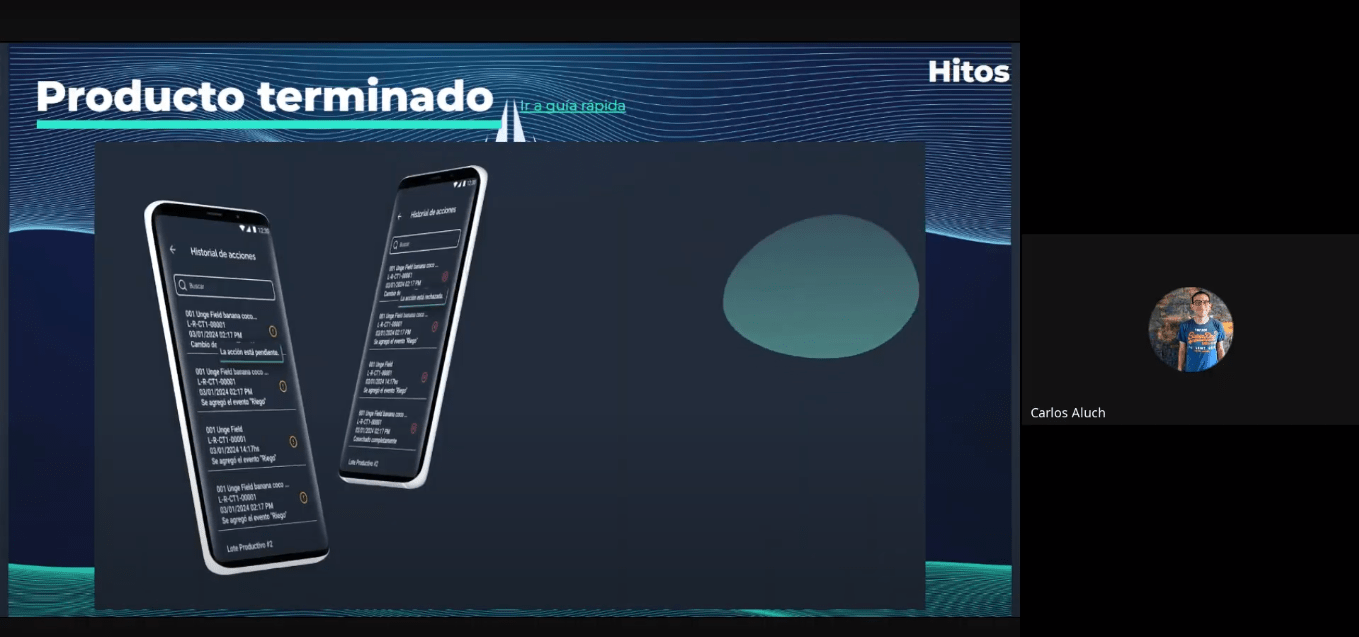
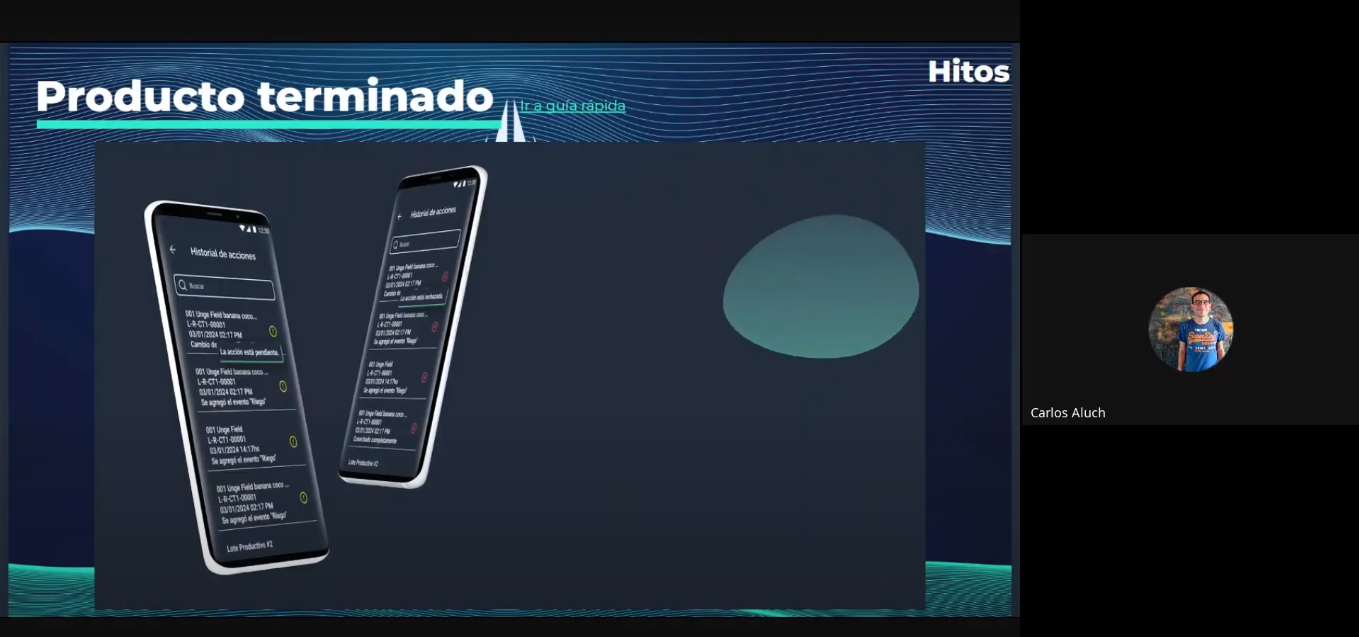
We wrapped up all the work with an exhaustive demo for the client. During that presentation we showed in detail how our solutions met the stated objectives and exceeded initial expectations.
To close the session, we shared a promotional video that dynamically and visually illustrated all of the tool’s features.
As added value, we proposed a quick induction guide for users: the finishing touch to conclude any project, aimed at increasing the value of the experience and of our service.
The users
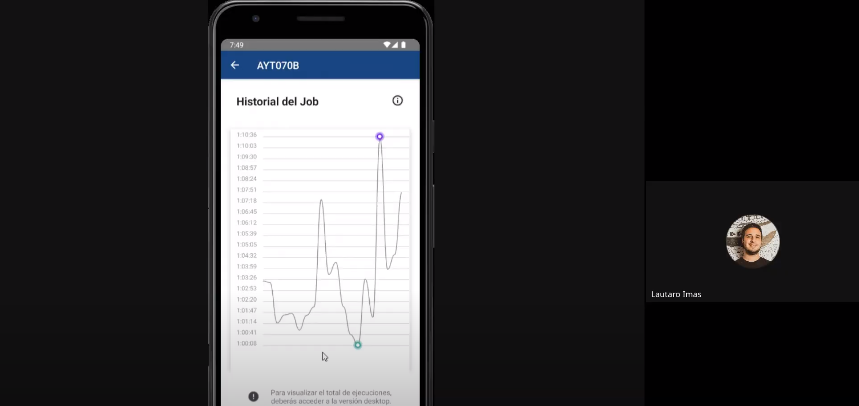
Although the product met the client’s expectations, we knew it was crucial to put it to the test with real end users. We organized testing sessions in a realistic setting, observed how they navigated the interface, and gathered feedback.
After minor details — wording and color — the product was ready to use.
04 — Outcomes
Conclusion
Developing the tool for Cannect was a meticulous process involving close collaboration with the client and a series of exhaustive tests with end users. We created a solution that not only met the client’s expectations but also delivered an exceptional user experience.
Something as simple as using technology to improve the quality of work — and even of life — for the operators who enter data every day was a major challenge for us, and we took it on with great responsibility and empathy.
In conclusion, it was a project that gave us more perspectives on other users in other industries, which I found very enriching.
Learnings
Lessons learned:
01
Usuario final
Direct feedback from the people who will use the tool is invaluable. Their insights reveal problems and opportunities that are not visible from the initial design.
02
Continuous iteration
Validating ideas and prototypes at every stage ensures the product evolves around real needs.
03
Documentation
Keeping a clear artifact structure makes collaboration easier. Organized files align the team. Thank you for reading!
Other cases
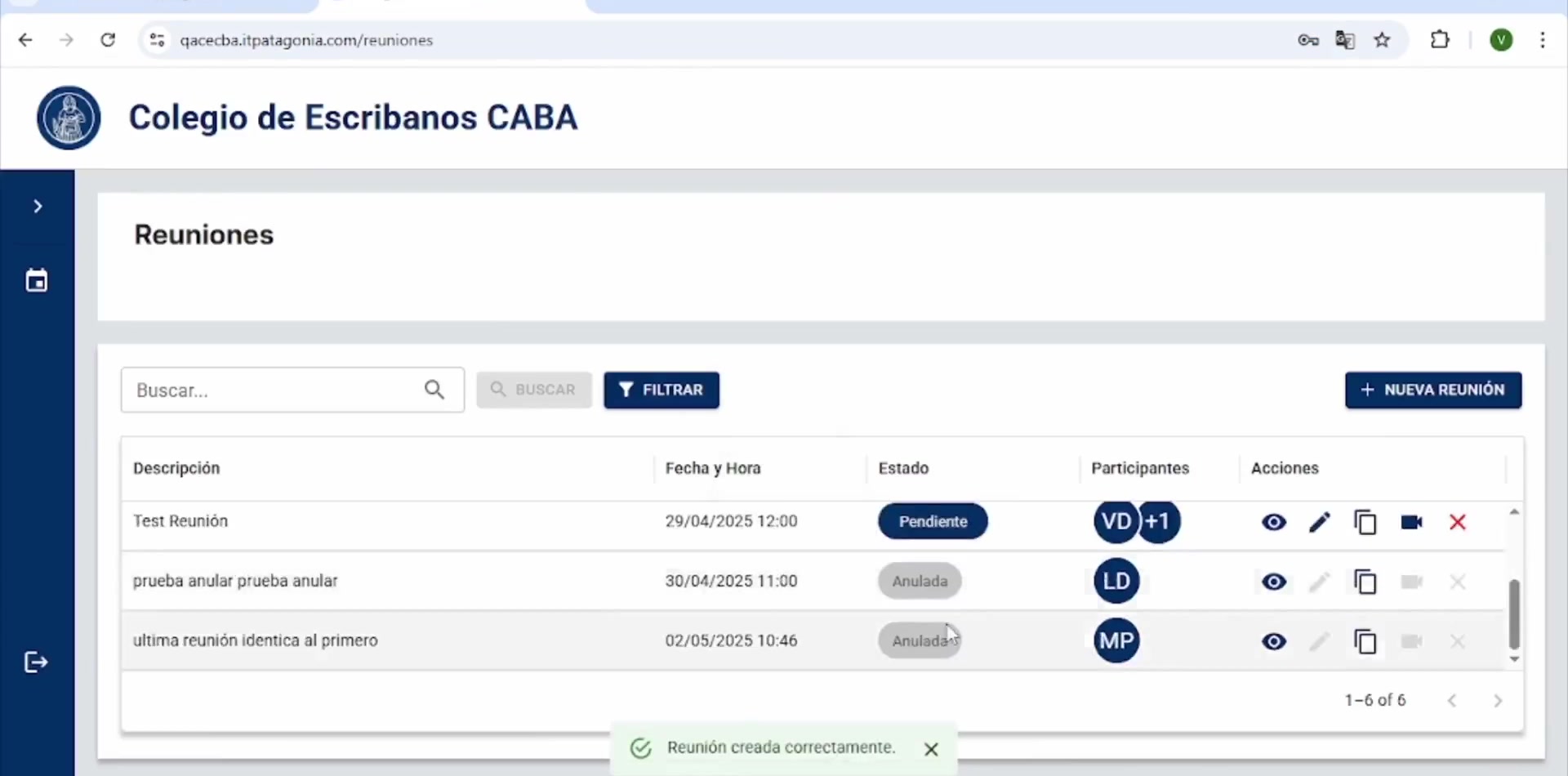
CECABA Digital Signature System
CECABA Digital Signature System

Design Ops — Full initiative
Design Ops — Full initiative
OPTI
OPTI
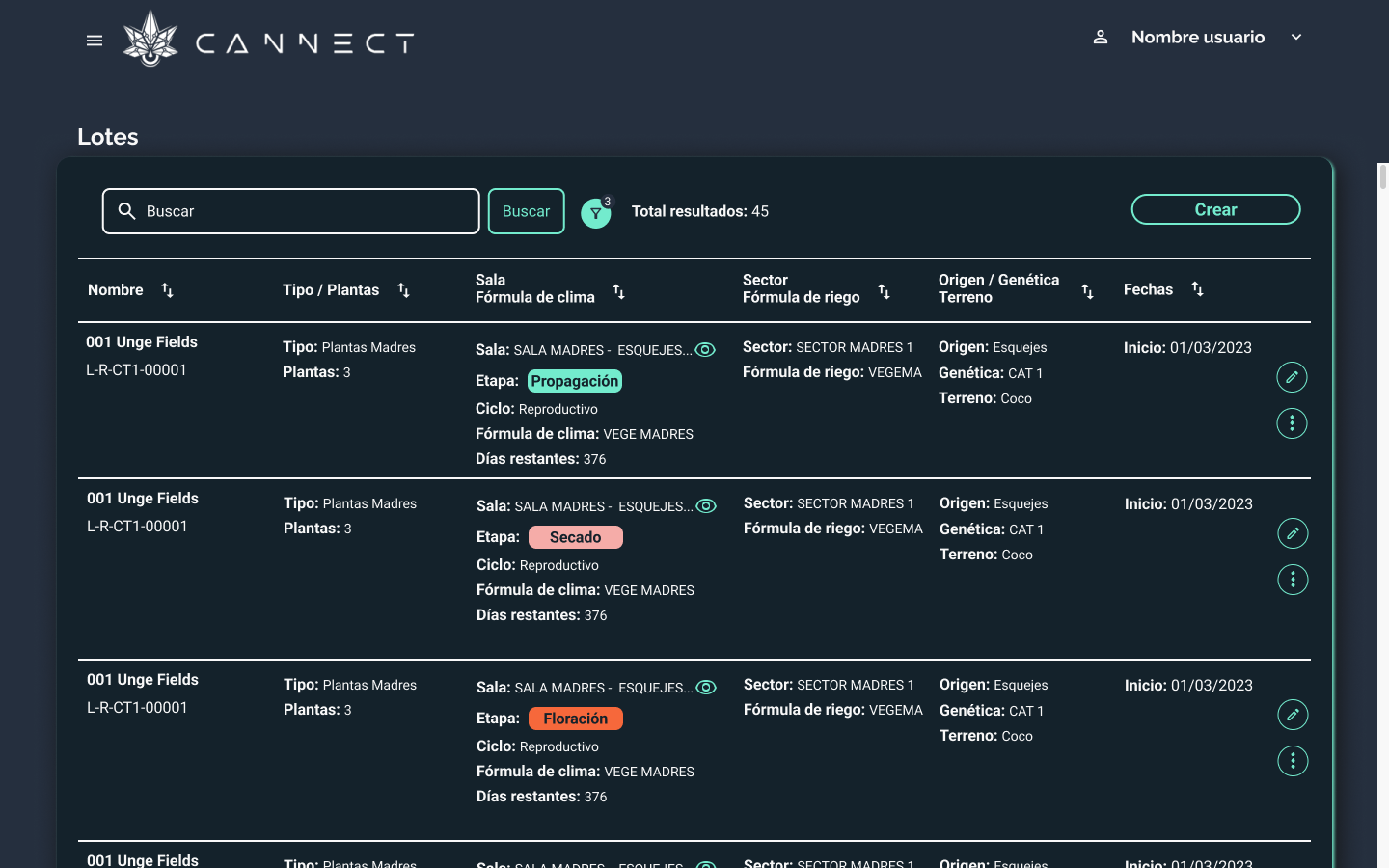
Cannect
Cannect
RUBI – GCBA
RUBI – GCBA
ICBC YOY UX Design Ops
ICBC YOY UX Design Ops

ICBC Auto Pledge Loans
ICBC Auto Pledge Loans

Traza